A good project starts with a little test
Free rhinestone calibration kit.
Compare hole sizes, check your import scale,
and record a small test with your own materials.
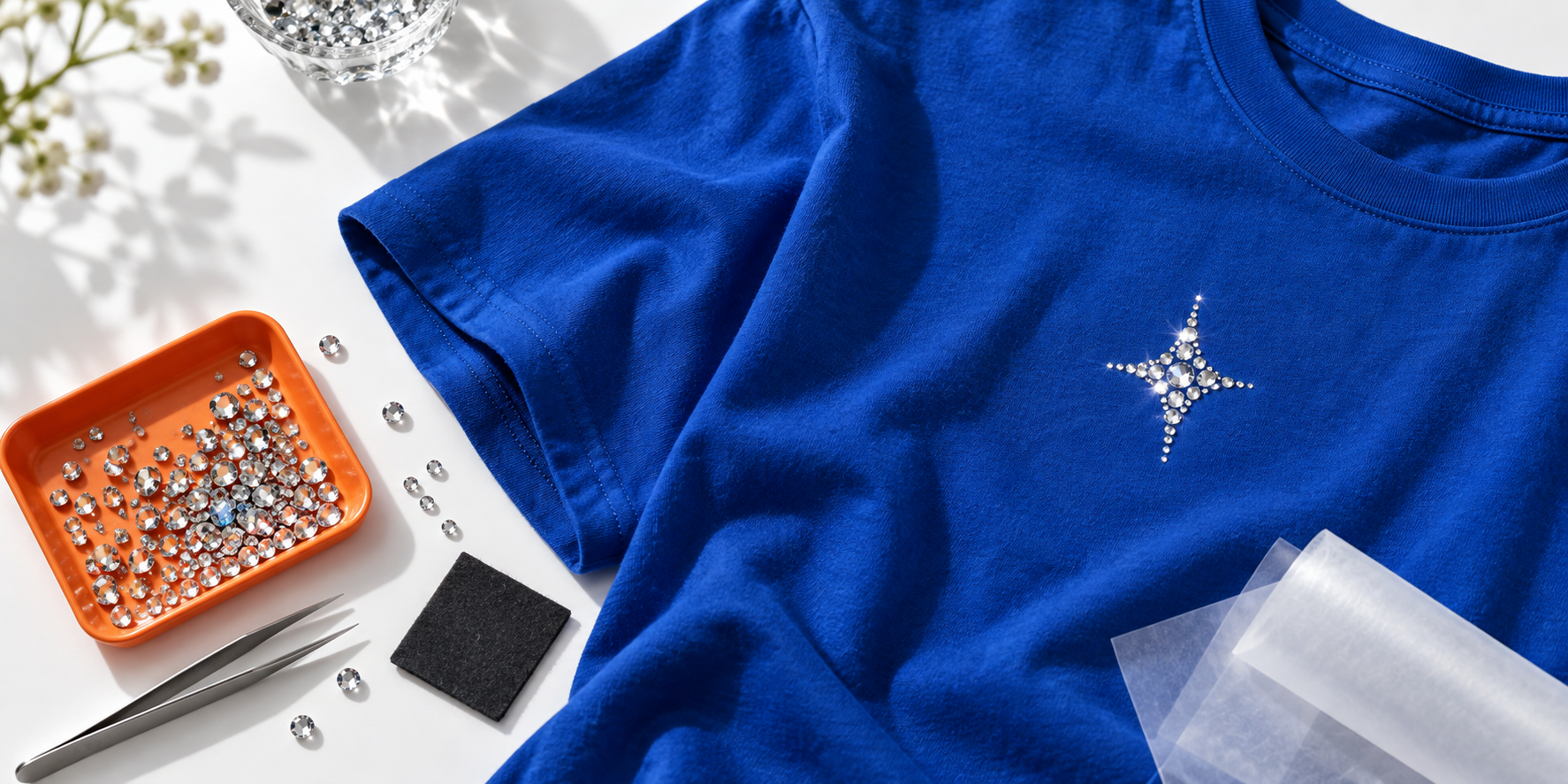
Meet your test kit
A small sample.
A useful starting point.
Five hole sizes. One simple pattern.
Choose a sample, check the scale, then try it with your own materials.

Your selected file is still available below.
Choose your hole diameter
mmSame pattern. Fixed centres. One small change.
- Centre pitch
- 4.00 mm
- Edge gap
- 0.60 mm
- Cut shapes
- 47 circles

SVG · cut paths
Every setup is different. Hole diameter is not a guaranteed stone fit. Test with your cutter, flock and stones.
Early test kit: these experimental files haven’t been tested on a cutter. Start small and record what works.
From screen to your craft table
Three checks before
the big project.
- 01
Check your scale.
Import the measurement coupon into your cutting software. Confirm the 100 mm line and the 25.4 mm square before cutting.
Get the scale reference SVG - 02
Find your fit.
Cut a small test in your flock material. Try a few hole diameters with your stones and check how they settle.
Get the hole-size ladder - 03
Keep the good settings.
Record your cutter, material, stones and chosen hole size. You’ll have a useful reference for your next test.
Get the blank test sheet


What else is in the kit?
The ZIP includes all five R samples, mirror pairs, measurement references and these extra test files.
Calibration map · JSONDense-circle test · SVGBlank test sheet · JSON